
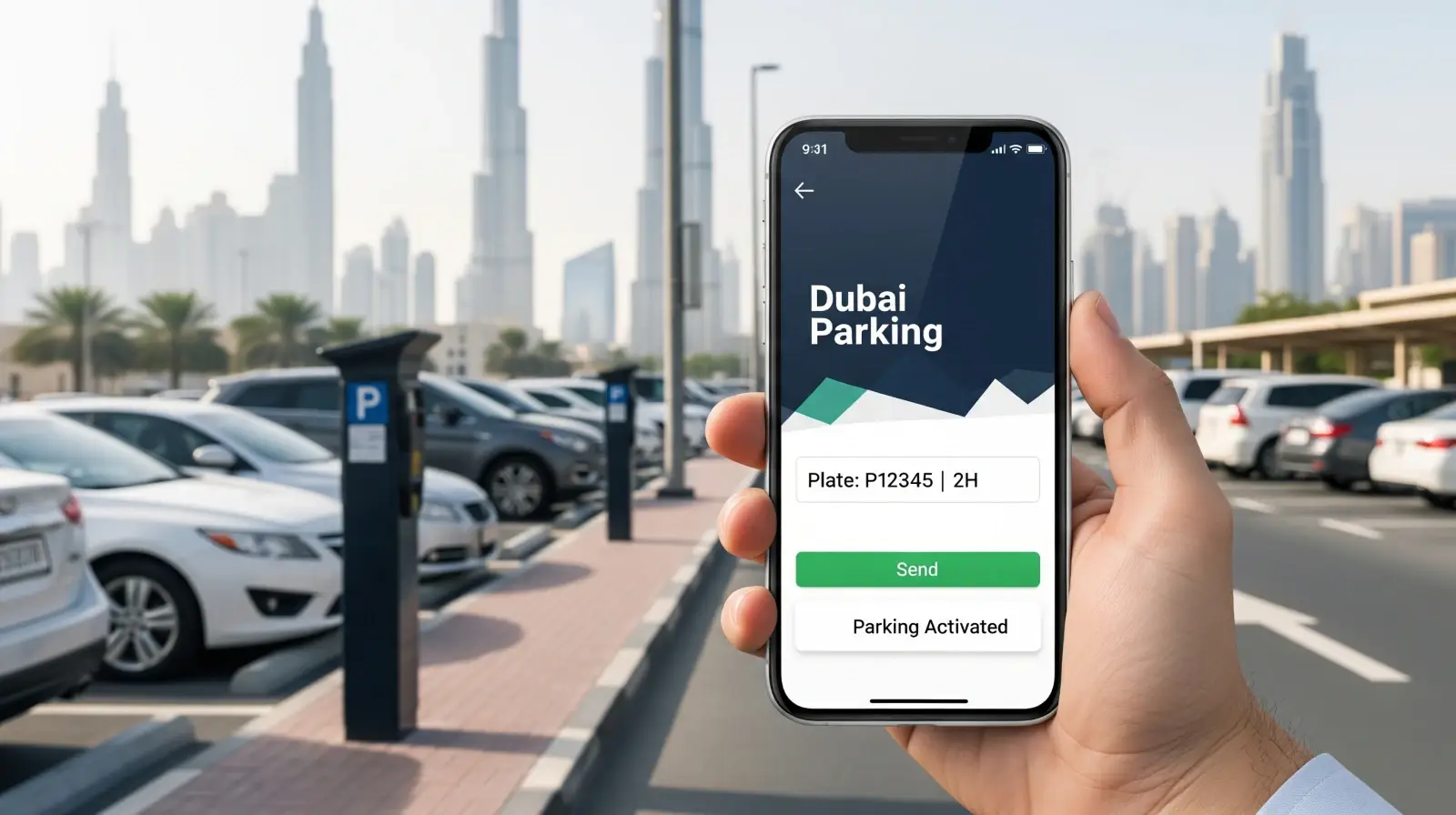
Trying to find a parking spot in Dubai and pay for it without stress? Many drivers get tripped up by unclear signs, confusing zone colours and the fear of catching a fine. Last year, parking fines in Dubai hit a record AED 249 million (a 37 % rise on the year before).
Paying your parking fee isn’t a hassle anymore in Dubai. The Roads and Transport Authority (RTA) now offers a handy alternative: sending an SMS to activate your parking. This way, you can make your parking experience smoother. Whether you live in Dubai, visit it for the weekend or drive, this guide is for you. You’ll learn how to put parking in Dubai by SMS, fast and easily, so you spend more time driving and less time worrying.
What is mparking SMS Service and its Benefits
mParking is an e-service offered by the Road and Transportation Authority (RTA) in Dubai. It makes you pay for your parking using your mobile phone. It is the best option for those who do not want to stand in line and pay the physical ticket. Here are its benefits:
Convenience:
Forget about hunting for coins or walking to the nearest parking machine. With the Dubai parking SMS service, you can pay right from your phone. No app or cash needed.
Speed:
It takes less than a minute to send an SMS and get confirmation. Perfect when you’re in a hurry or running late.
Safety:
No need to touch payment machines or exchange cash. Paying through SMS keeps things clean and contact-free.
Accessibility:
Whether you’re a resident, tourist, or delivery driver, this service works across all Dubai parking zones, making it easy for everyone to use.
Understanding Dubai Parking Zones
It is important for you to understand Dubai Parking Zones before knowing how to put parking in Dubai by SMS. The RTA has divided the city into color-coded areas which are called Dubai Parking Zones. The colors are: Blue, Green, and Red. Each color tells you how much you’ll pay Dubai parking via SMS and how long you can park.
How the Rates Work
The blue zones mean high costs. The green and red zones are cheaper. It is also important to note that the fees can also change depending on the day or time.
Why the Zone Matters
Before you send your SMS, you must know your zone code — it decides the parking duration / time limits and the total charge. Sending the wrong code could mean a fine, even if you paid.
What are the Requirements of Paying Dubai Parking via SMS?
Some requirements to pay Dubai parking by SMS are:
1. Registered Mobile Number
Your phone number must be registered with the RTA. Otherwise, the system won’t accept your SMS payment.
2. Vehicle Plate Number
Make sure to check your car’s plate number before sending the message. A single wrong digit can lead to an invalid parking ticket.
3. RTA SMS Service Number
Always send your message to the official RTA SMS service number (7275). Messages sent elsewhere won’t process your payment.
4. Parking Reminders
Set a quick reminder on your phone for when your parking time is about to expire. Many drivers forget to renew and get fined. A simple alarm can save you from that headache.
Step-by-Step Guide: How to Put Parking in Dubai by SMS
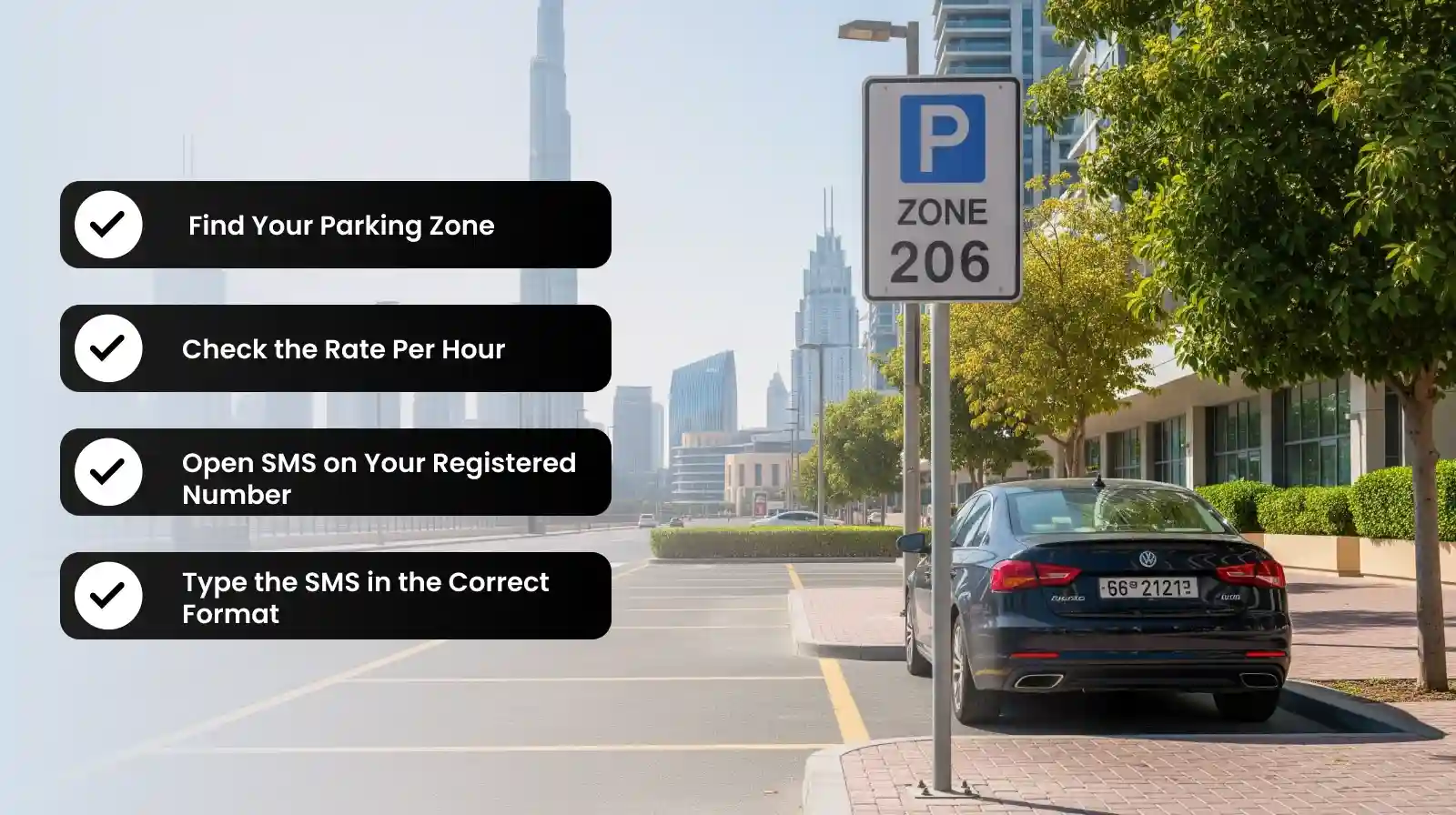
Whether you’re a tourist or a daily commuter, you can easily pay for parking in Dubai by SMS. Many people think that paying for parking via SMS is confusing. Once done right, it becomes second nature. Follow these steps to know how to put parking in Dubai:
Step 1: Find Your Parking Zone
Every paid parking space in Dubai has a zone number — usually written on a nearby signboard or the payment machine. Take a quick look before you park. This number is what connects your payment to the right area.
Step 2: Check the Rate Per Hour
Parking fees in Dubai always depend on the zone and time of the day. Blue zones cost more while zones like Red and Green are cheaper. You should check the rate and time limits before sending the message.
Step 3: Open SMS on Your Registered Number
You must use the same phone number that’s registered with the RTA. If you send a message from another SIM, the system won’t process it. Open your SMS app to get started.
Step 4: Type the SMS in the Correct Format
Here’s the format you need to follow:
<Plate Number> <Space> <Zone Number> <Space> <Hours>
Example: ABC123 326C 2
This message means you’re paying for 2 hours in zone 326C for plate ABC123.
Step 5: Send to the Official RTA Number
Send your message to 7275 (RTA PARK). That’s the official number to Pay Dubai parking via SMS. Within seconds, you’ll get a confirmation that your parking is active.
Step 6: Wait for the Confirmation SMS
Don’t drive off until you receive the confirmation. It’s proof that your payment went through. If you don’t get a reply within a minute or two, double-check the format and resend.
Step 7: Extend Parking via SMS if Needed
When your time’s almost up, simply reply with “Y” to the confirmation SMS. This automatically renews your parking for the same duration. It’s quick and saves you from rushing back to your car or risking a fine.
What is the Fee of Dubai Parking SMS Service 2025
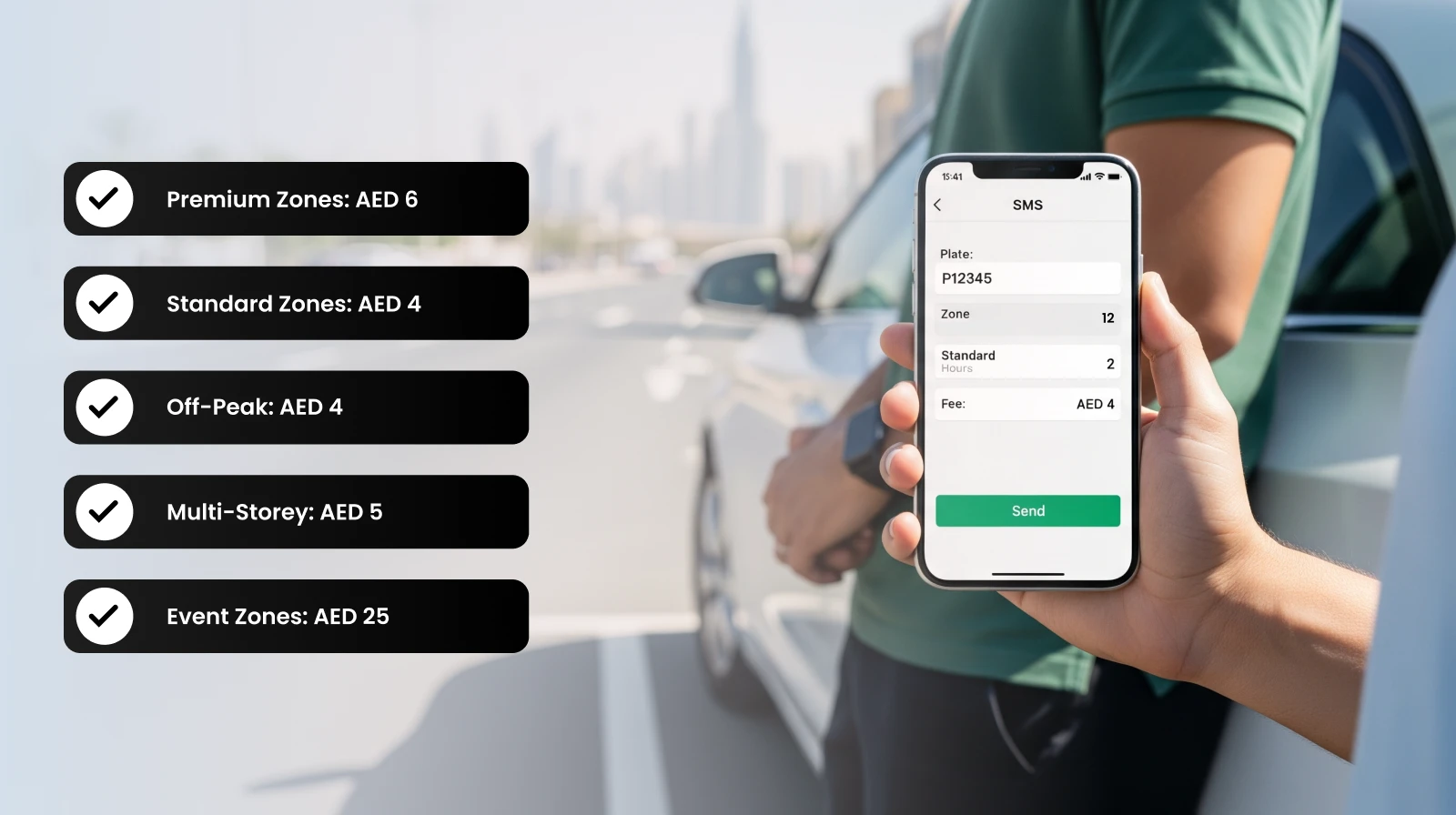
Below table shows the fee for Dubai parking in 2025:
| Zone Type | Time / Conditions | AED per Hour |
| Premium public parking zones (Zones A–D) during peak hours (8 am–10 am & 4 pm–8 pm) | High-demand areas near metro & business hubs | AED 6 / hour |
| Standard public parking zones during same peak hours | General zones in the city | AED 4 / hour |
| Standard/public parking zones during off-peak hours (10 am–4 pm & 8 pm–10 pm) | All zones outside peak times | AED 4 / hour |
| Multi-storey car parks (MSCPs) 24-hour | Covered garages, all day | AED 5 / hour |
| Event zones / high-traffic exhibition areas (e.g., near Dubai World Trade Centre) | During exhibitions, festivals (from Feb 2025) | AED 25 / hour |
How Can You Pay Parking in Dubai via WhatsApp
Dubai SMS service is not the only way to pay for parking in Dubai. Another way is through whatsapp. You need to follow these steps:
- Save the Official RTA Number: Add +971 58 800 9090 (RTA’s verified WhatsApp number) to your contacts. This is the only official channel, so don’t send payments to any other number.
- Send a Simple Message: Type your message in this format:
<Plate Number> <Space> <Zone Number> <Space> <Duration>Example: ABC123 326C 2 - Get Instant Confirmation: You’ll receive a WhatsApp reply confirming your parking time and cost.
What Are the Other Payment Options for Paying for the Parking in Dubai
Dubai offers several convenient options for paying parking fees, including:
- RTA Dubai App: The easiest digital option after SMS and WhatsApp. Simply log in to the RTA Dubai app, choose your zone, enter your plate number, and pay through your preferred method — card or digital wallet.
- Parking Machines: Still around in most areas. Insert coins or use a card, select your duration, and print the ticket. Keep it visible on your dashboard to avoid fines.
- Nol Card: Tap your Nol card at the parking machine to pay instantly. It’s a handy choice if you already use it for public transport.
- Seasonal or Virtual Permits: If you park in the same area daily, you can apply for a seasonal parking permit through the RTA portal — it saves time and repeated payments.
Common Mistakes to Avoid
Now we hope you have got the idea of how to pay for parking in Dubai by SMS. Also keep in mind that many people may make small mistakes that could cost them heavily when paying for parking fees in Dubai. Keep in mind these to avoid such mistakes:
Using an Unregistered Number:
Many drivers forget that mobile number registration with the RTA is a must. If your number isn’t linked to your vehicle, your SMS payment won’t go through — even if you send it correctly.
Typing the Wrong Plate or Zone Number:
A single letter or digit mistake can link your payment to another car or wrong area. Always double-check before pressing send.
Ignoring the Confirmation SMS:
That confirmation message is proof your parking is active. If you don’t receive it, your payment didn’t register.
Overstaying Without Renewal:
When your parking duration / time limits expire, you must extend it via SMS or WhatsApp. Even a short delay can result in a fine — so set a quick reminder on your phone.
Final Thoughts
This blog answers the most common question, “how to pay parking in Dubai by SMS?” in detail. It stands to reason that Dubai parking SMS service is an easy and safe way to manage your parking. For residents and visitors, knowing how to use this service can save a lot of your time. You only need to keep in mind these steps: find your zone, type your plate number and hours, and send the SMS to the RTA number. Done and dusted!
Need more smart tips on navigating life in Dubai? Visit SafeDriverDubai and explore everything related to